
1.9 KiB
title, layout
| title | layout |
|---|---|
| Installing Weave Net | default |
Ensure you are running Linux (kernel 3.8 or later) and have Docker (version 1.6.0 or later) installed.
Install Weave Net by running the following:
sudo curl -L git.io/weave -o /usr/local/bin/weave
sudo chmod a+x /usr/local/bin/weave
If you are on OSX and are using Docker Machine) you need to make sure that a VM is running and configured before getting Weave Net. Setting up a VM is shown in the Docker Machine documentation. After the VM is configured with Docker Machine, Weave can be launched directly from the OSX host.
Weave respects the environment variable DOCKER_HOST, so that you can run
and control a Weave Network locally on a remote host. See Using The Weave Docker API Proxy
With Weave downloaded onto your VMs or hosts, you are ready to launch a Weave network and deploy apps onto it. See Deploying Applications to Weave
CoreOS users see here for an example of installing Weave using cloud-config.
Amazon ECS users see here for the latest Weave AMIs and here to get started with Weave on ECS.
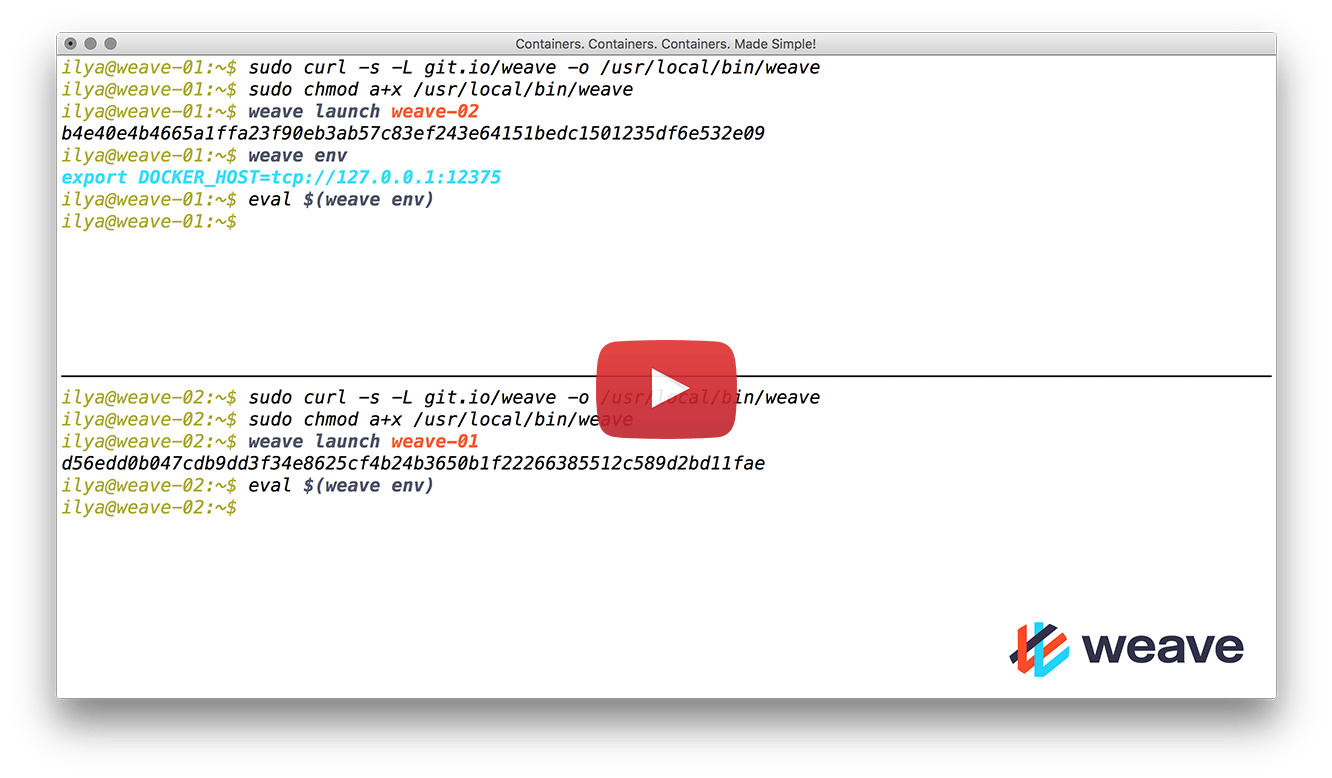
###Quick Start Screencast
See Also